
Updated for Unity 6 · Works in any render pipeline
Blender's 3D cursor, now in Unity.
Place, pivot, duplicate, and rotate with precision — the level-design workflow you already know from Blender, right inside the Unity editor.
One-time purchase · Lifetime updates · No subscription
Feel at home from the first click
If you've used Blender's 3D cursor, you already know how this works. Set a point in space, then place, pivot, and duplicate around it. It's the muscle memory you bring from modelling — finally usable for building levels in Unity.
- ▸No re-parenting just to rotate around a point
- ▸Exact, numeric placement instead of eyeballing
- ▸A faster greybox-to-final level-building loop
Everything you need to place with precision
A focused toolkit that lives in a single editor window — no clutter, no learning curve.
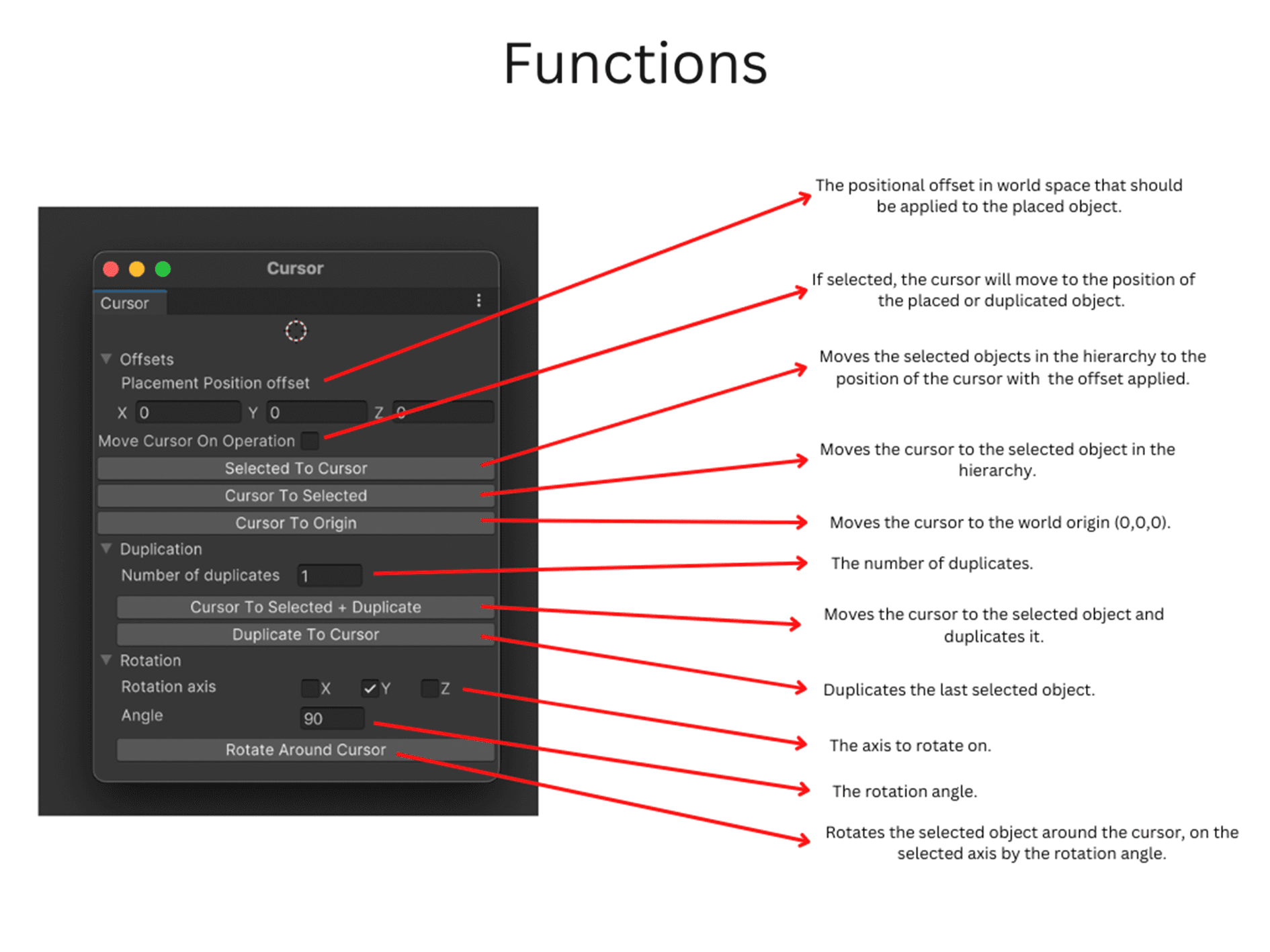
Place to Cursor
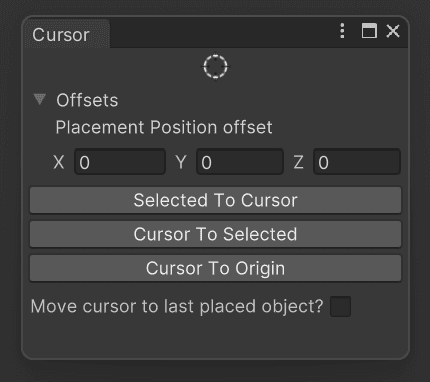
Snap any selection straight to the cursor with an optional offset. Precise, repeatable placement every time — no nudging by hand.
Cursor to Selection
Move the cursor to a single object, or to the averaged center of a whole selection, in one click.
Rotate Around the Cursor
Rotate selected objects around the cursor on any axis by an exact angle — true pivot rotation without re-parenting.
Duplicate to Cursor
Stamp out one or many duplicates directly at the cursor. Fully prefab-aware, so instances stay linked.
Cursor to Bounds Center
Drop the cursor at the exact mesh-bounds center of an object — perfect for centering pivots and alignment.
Replace Selected
Swap selected objects for any prefab in place, preserving their position and rotation. Great for greybox-to-final passes.
Group at Cursor
Wrap a selection in a fresh parent positioned at the cursor — tidy hierarchies without manual setup.
History & Autosave
Jump back to recently touched objects from the history list, and keep your scene safe with interval autosave.
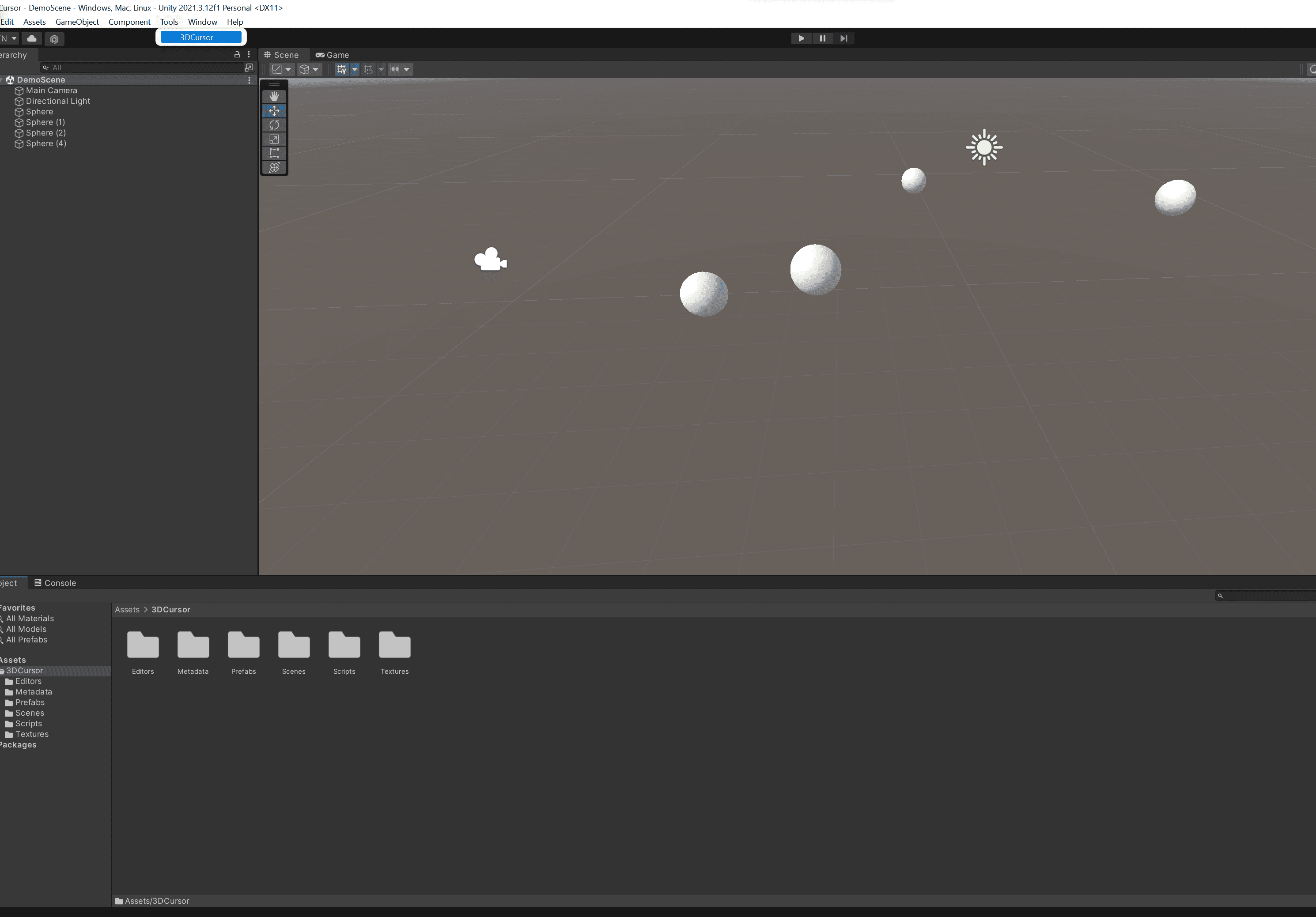
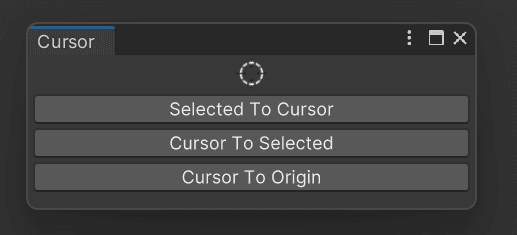
See it in the editor
Build levels faster today
Add the 3D cursor to your Unity workflow for $9.99 — a one-time purchase with lifetime updates.